
rooom Developer Tools
Interactive tools for rooom development — test viewer configurations in the API Playground, play back 360° video, and inspect 3D models with QuickLook.
API Playground
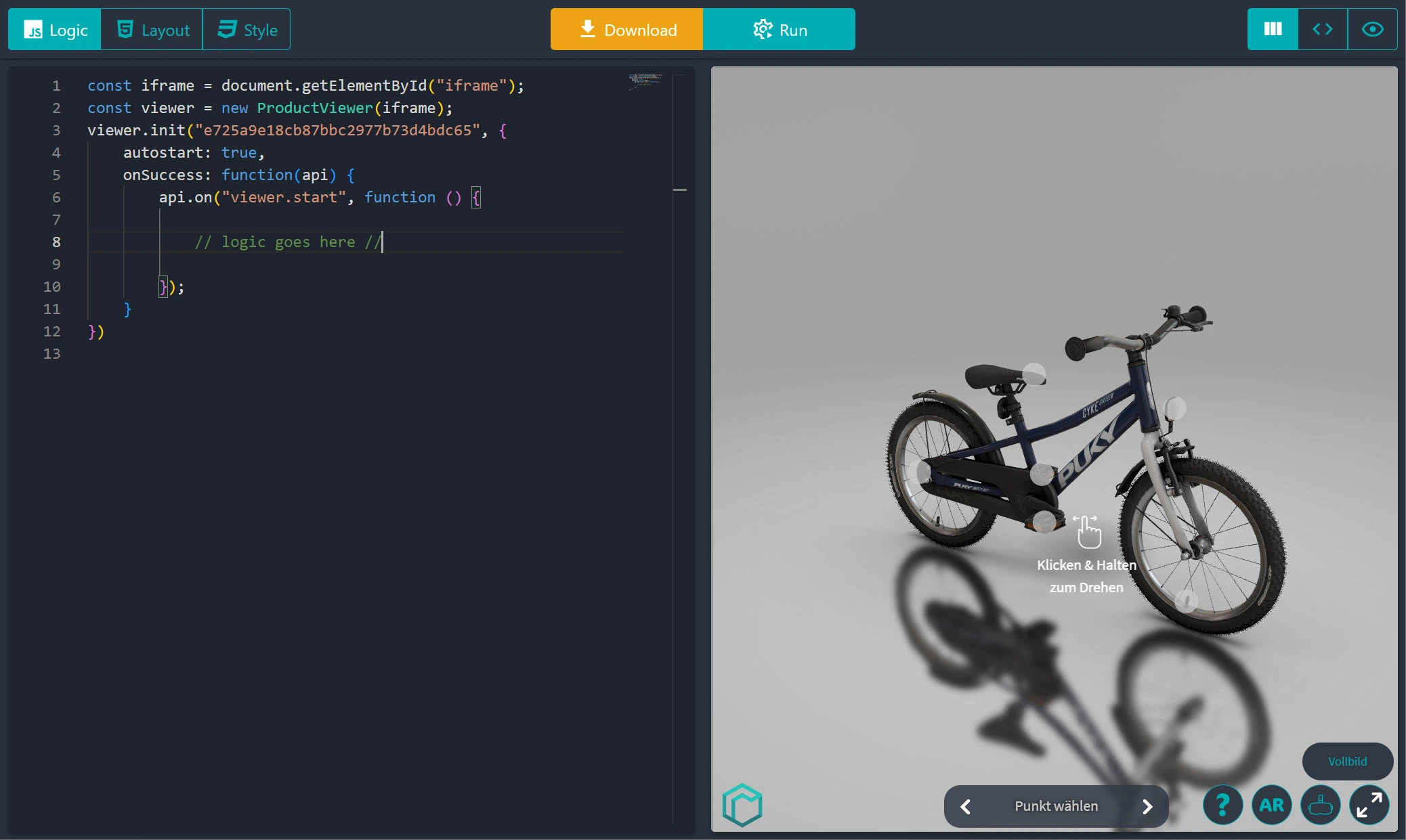
Try viewer options, events, and API calls in a browser-based playground.
360° Video Player
Play and debug 360° videos with gyroscope and touch controls.
QuickLook
Inspect 3D models, materials, and lighting before you ship them.
API Playground
Use the API Playground to try out viewer configuration, experiment with events, and prototype interactions without touching your production code. Open it in your browser whenever you want to quickly test an idea or debug an issue.
Key features
- Live API testing with a 3D preview
- Interactive controls for viewer configuration and events
- Code examples you can copy into your app
- Testing support for different viewer setups
360° Video Player
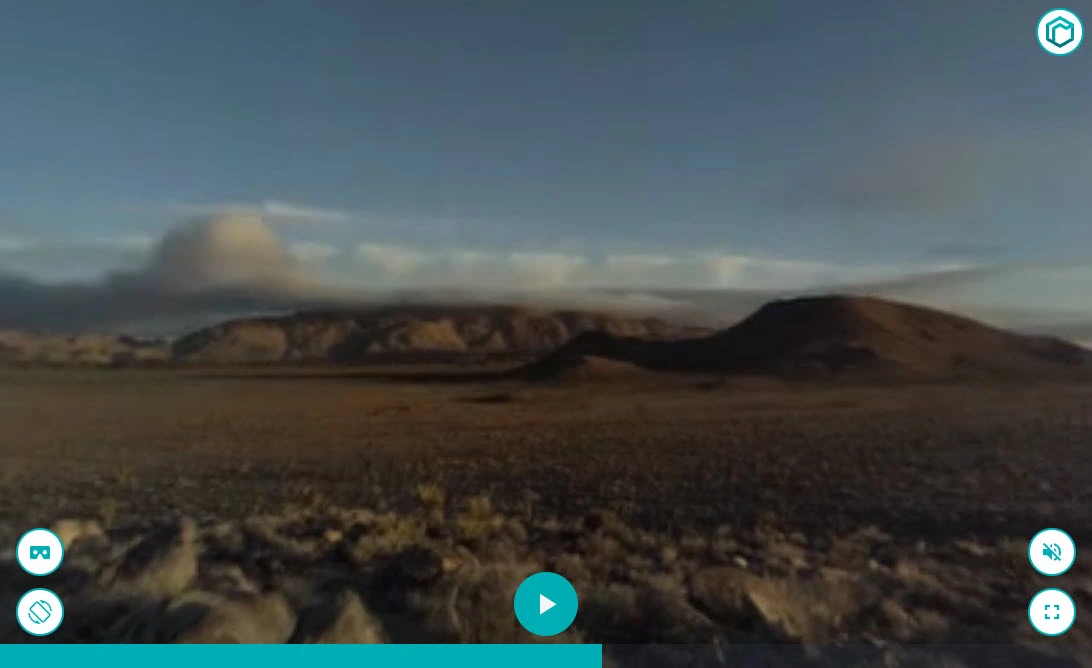
Use the 360° Video Player when you need to test panoramic video content with device sensors, touch, and WebGL playback. It helps you validate how a scene behaves on mobile and desktop before you integrate it into your app.
Key features
- Gyroscope integration for natural navigation
- Works on mobile, desktop, and VR-capable devices
- WebGL-based rendering for smooth performance
- Customizable controls and interface options
QuickLook
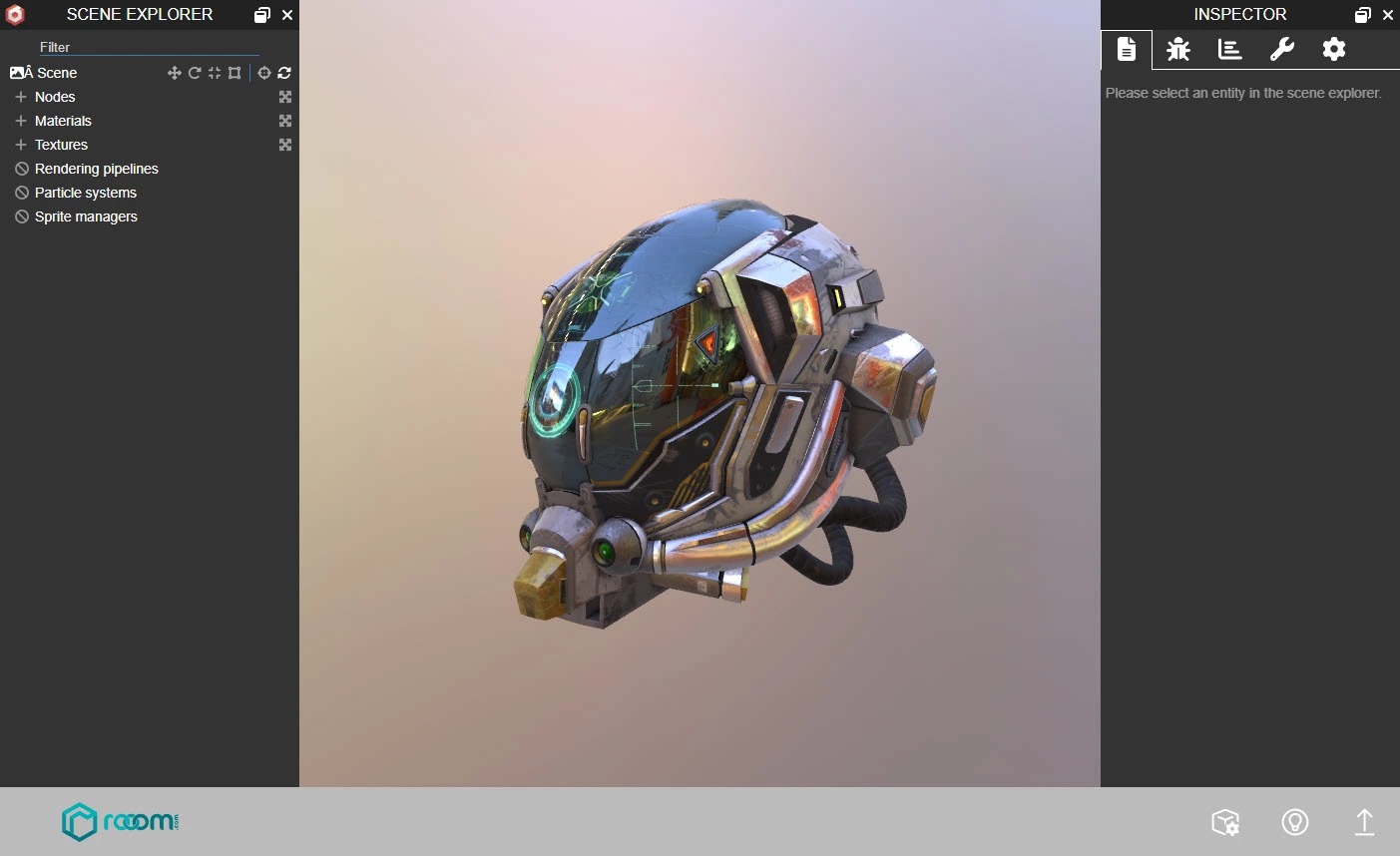
QuickLook is a 3D model inspector for checking geometry, materials, and lighting before you publish assets. It runs in the browser and is built on BabylonJS Viewer.
Key features
- Detailed inspection of meshes and model properties
- Texture and material debugging tools
- Lighting and rendering controls for better visualization
- Basic performance insights for heavier models